
Can the main flaws with the PSP Go be fixed?
 The PSP Go may just be the best way to play PSP games. Released in 2009, it feels more modern than the PSPs that came before it and crucially it has a better screen. But it’s also got some problems relating to storage, battery life and ergonomic design. Are these issues that can be fixed?
Storage Woes
The PSP Go has 16gb of internal storage and a slot for a M2 memory card. These proprietary cards were only used in a few Sony devices from the era and as such they are difficult to come by at a reasonable price. Worse still, the largest size produced was only 16gb, giving the console a theoretical max total storage of 32gb.
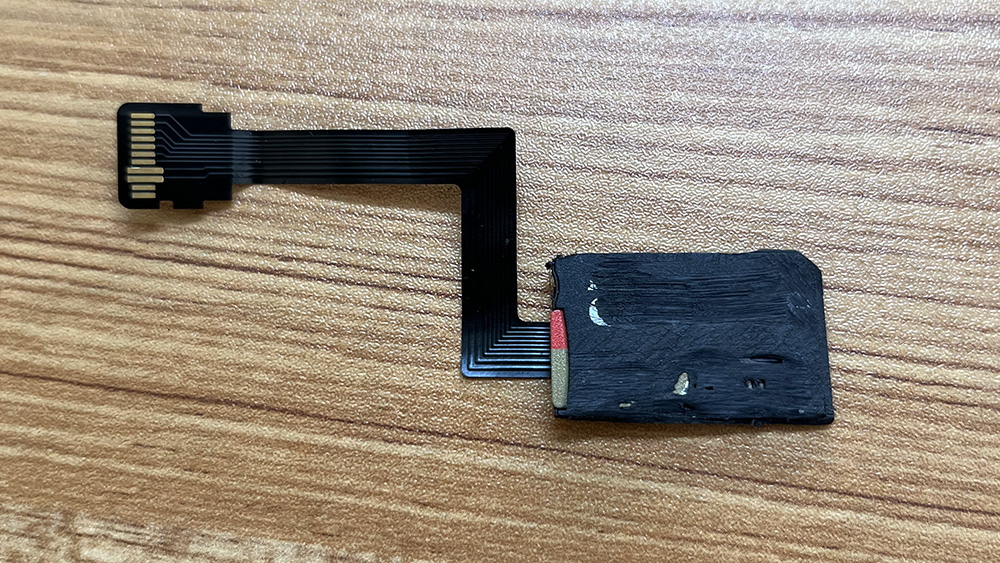
Photo taken after sanding a couple of millimetres off the adapter.
But fear not, a micro SD card adapter is available on Etsy. This connects into the M2 slot and then wraps around into the console, with a ribbon cable perfectly folded to allow for the micro SD card sit in a nice open space below the battery.
In theory. Room inside a device this small comes at a premium, and modification to PSP Go’s shell, insides, and the adapter itself are required in order to make it sit flush.
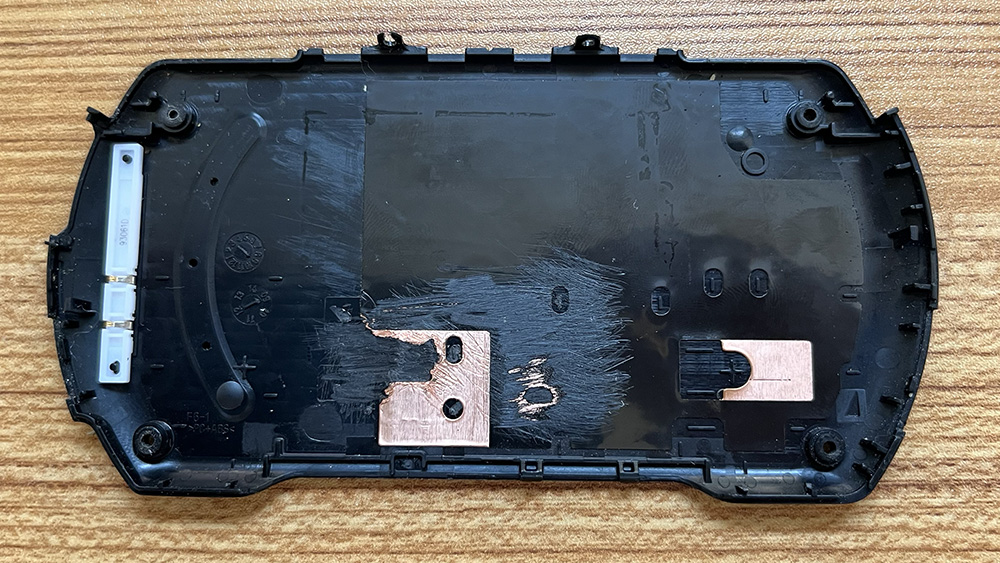 Creating the needed space is a mix of snipping (which can be performed with a small pair of pliers) and sanding (to file down the inner side of the case). This allows for the adapter to fit, but results in a bulge in the back of the case that doesn’t look particularly great.
 Using an electric drill sander it’s possible to free up a bit more room, and crucial millimetres can be shaved off the SD card adapter itself. Theoretically the plastic shell could be removed and the SD card glued directly to the pins on the ribbon cable, but that’s above my pay grade. It’s not really a requirement either, as trimming it down a bit is all that’s needed for it to properly fit.
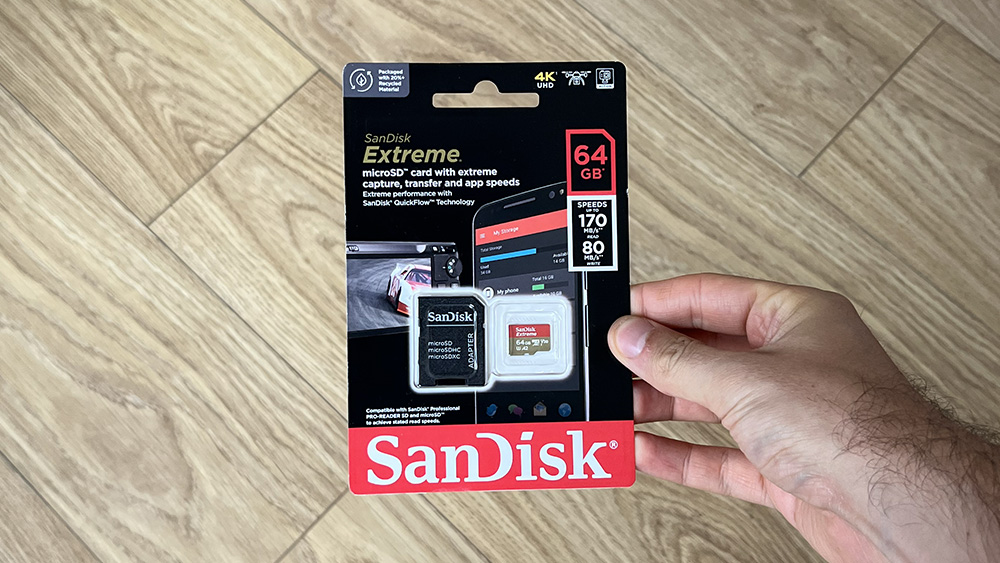
This card may be advertised as being ‘Extreme’, but in reality it’s going to result in the XMB taking longer to load.
The PSP wasn’t designed to be used with high-capacity memory cards and as such the menus can become very slow if too much content is present. Because of this I’ve opted for a 64gb card, which is a practical balance between speed and storage.
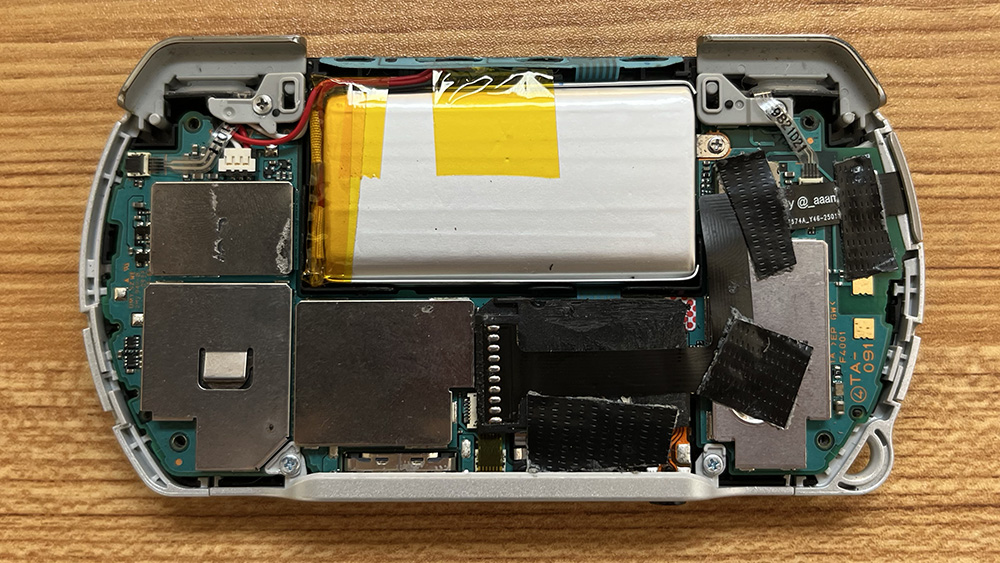
At first the connection to the M2 slot seemed a bit temperamental and I had to open up the console a couple of times and adjust the taping of the ribbon cable, which needs to be held in a taught position. Achieving this is a little awkward as the cable is ever so slightly too long, and it must be stretched at a diagonal angle to compensate for this.
 I have two PSP Go consoles and initially my plan was to install a micro SD adapter in both. This second console is the pearl white variant in pristine condition and in the end I decide not to go ahead based on the amount of DIY involved, as well as the slightly temperamental nature of the adapter itself.
I’m less precious about my black PSP Go, which frequently lives outside its case and likes to go travelling with me. Here it works perfectly; it’s a practical upgrade that allows for an extensive library of PSP and PS1 games to be loaded onto the console and taken on the go. There’s no denying that the console now lives up to the portability its name implies.
Battery Burdens
I would say that the single biggest issue with the PSP Go is its battery life, which only lasts around 2 hours.
One option to resolve this is to install a PS Vita battery, which provides significantly more charge. However it’s also physically bigger and requires a custom back panel that effectively doubles the depth of the console.
 I continued to search for a better solution and came across this nice looking battery on AliExpress that I figured was worth a try.
It’s the same size as the OEM battery, although there’s a couple of extra wires that need cramming into the console. Alongside the SD card adapter it now feels like the inside of the device is really stuffed full of enhancements. But with everything in place the PSP Go now runs for around 4 hours on a single charge, a clear improvement over the original battery.
Ergonomic Challenges
I use the PSP Go quite a bit and my hands have adjusted to its slightly cramped shape. Still, there’s no denying that for long play sessions, or for certain shoulder-button heavy games, things can get a bit uncomfortable.
Is there a better way to play? Perhaps, the PSP Go supports Bluetooth, and it’s possible to connect a PS3 DualShock 3 controller. I think it was originally envisioned to be paired alongside the console’s docking station (used for playing PSP games on the TV, sort-of like a proto Switch), but it works in handheld mode too. All that’s needed is a controller mount to attach the two together! I found this nice looking one on AliExpress.
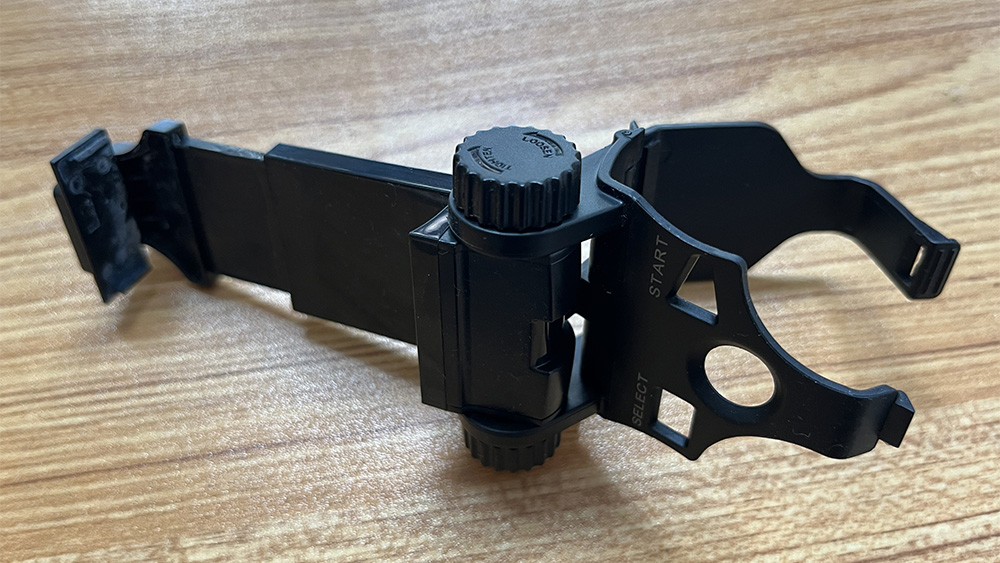 Oh, and a PS3 is needed too as the controller has a non-standard bluetooth pairing protocol. The controller can technically be linked using a PC, but the process is more involved than you’d probably expect. If you don’t want to mess around with your computer’s driver signatures then the easier, and officially supported, method is to connect both the controller and PSP Go to the PS3 by USB and then follow the pairing process within the PS3 menus.
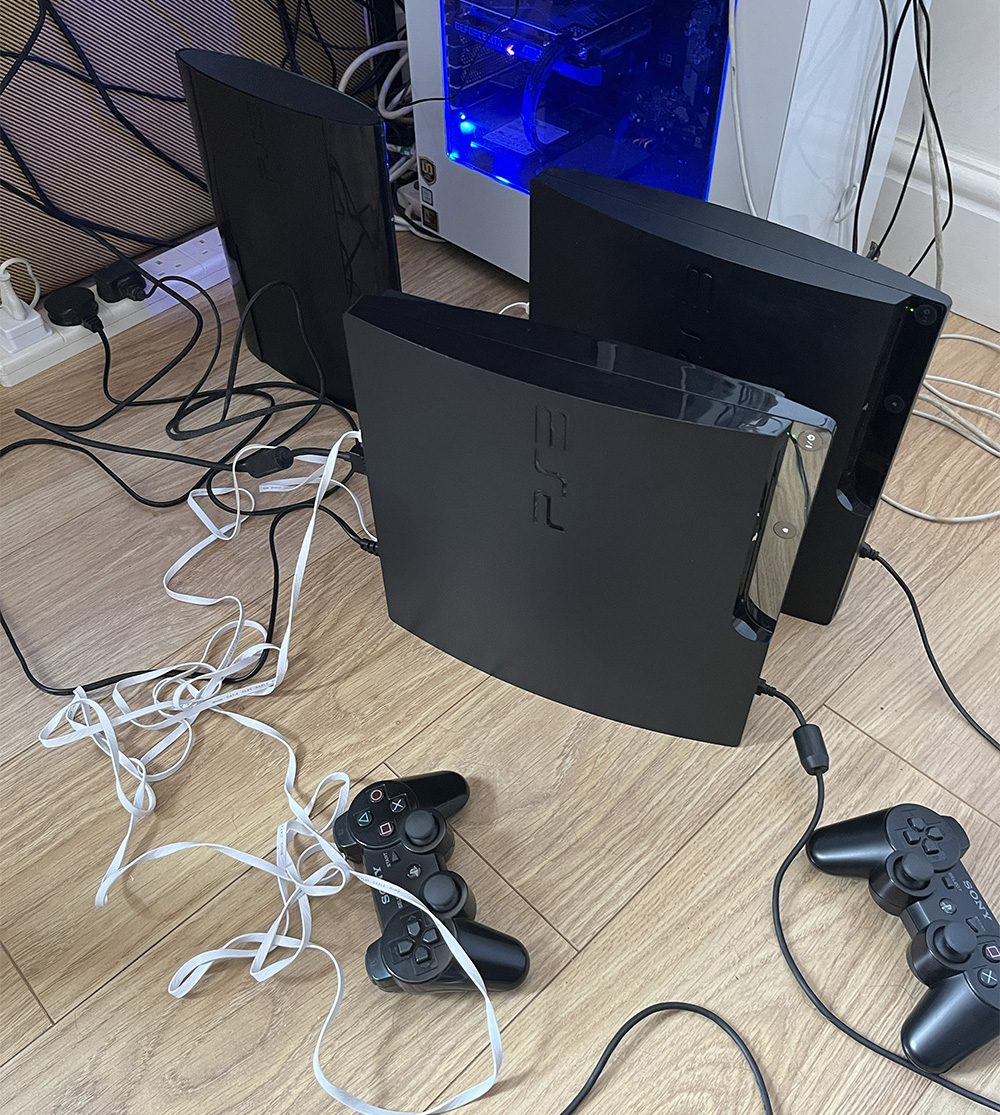
Fortunately I always have a few PS3 consoles lying around for such occasions.
With everything connected I immediately ran into an issue. The controller mount is designed for a phone and presses down on the top of the device, exactly where the volume buttons sit. This results in either the volume up or volume down button being permanently pressed, effectively meaning that the console can only be used at minimum or maximum volume (and you can’t choose which!).
To solve this, I found a small bit of plastic and glued it to the top of the mount. The volume buttons now sit comfortably within the gap created by the plastic. The PSP Go still needs to be removed from the mount in order to access these buttons and change the volume, but at least it stays at the desired level once set.
 The resulting device is something I’d be far too ashamed to ever play in public, but in the privacy of a home environment it’s a comfortable and fun way to play PSP games.
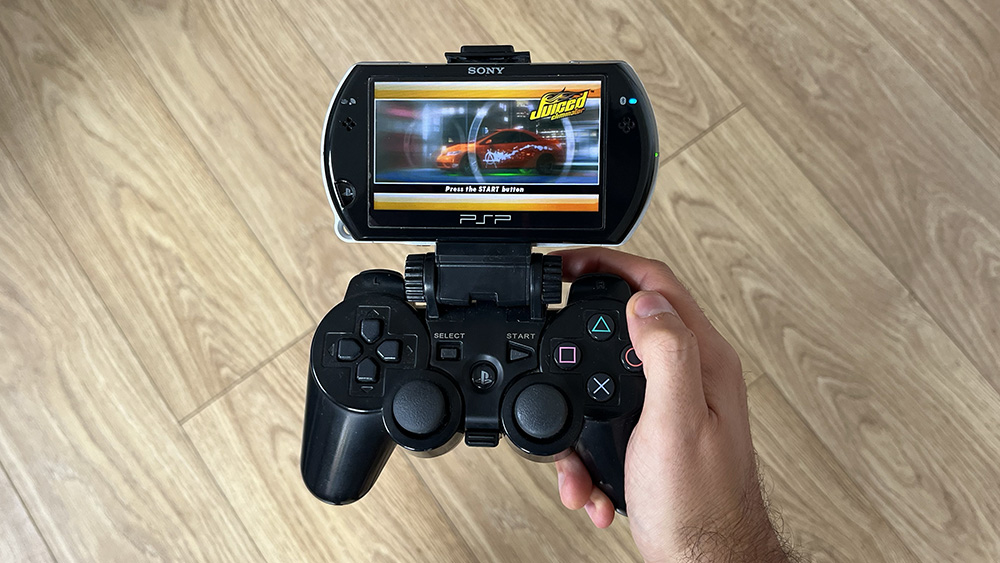
So wrong it’s right. This monstrosity really shouldn’t work as well as it does.
About Dracula’s Cave





Donate

 Dracula's Cave
Recent Comments